Photo & Video · iOS
Free · Requires iOS 17.6 or later
Passport Photo ID Maker
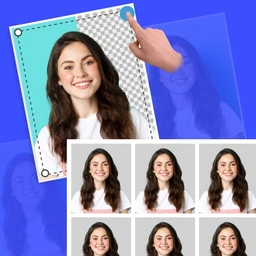
Passport Photo ID Maker turns a photo you already have — or one you take right now — into a correctly sized passport, visa or ID picture. Pick the document format, crop with a guide, clean up the background, and lay the result out on a printable sheet.
Getting an ID photo usually means a trip to a studio and a wait for prints. Passport Photo ID Maker does the measuring and cropping for you on the phone: choose the document you need, line your face up inside the on-screen guide, swap a cluttered background for a plain one, and export either a single image or a full print sheet.
Screenshots
Passport Photo ID Maker on iPhone
Screenshots as published on the App Store.
Features
What it does
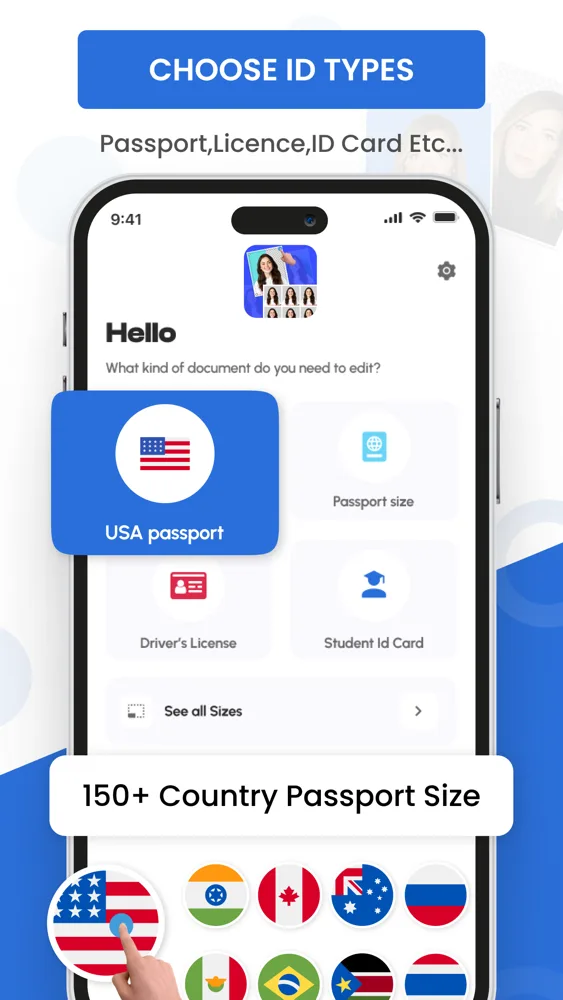
Document presets
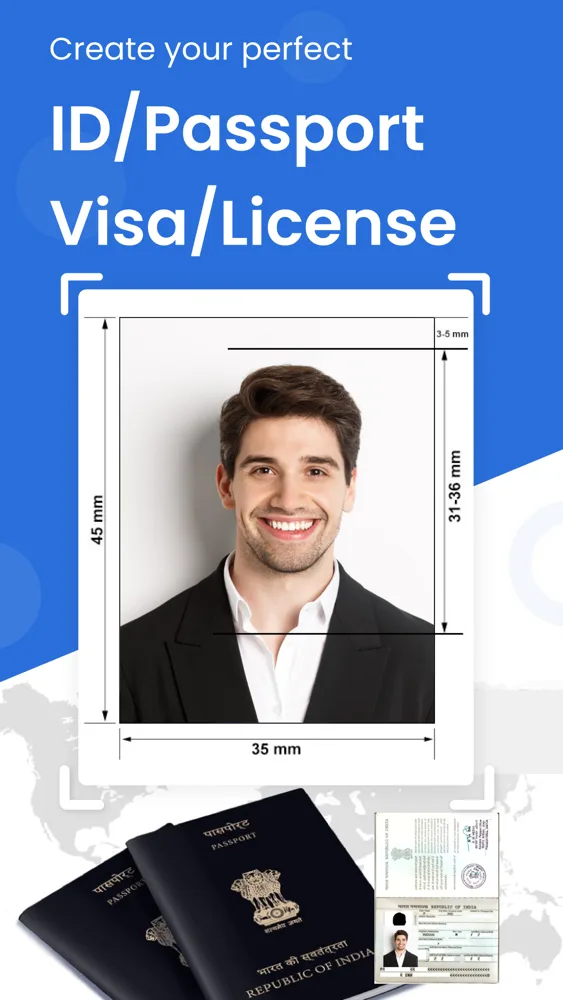
Pick the format you actually need — passport, visa, driver's licence or student ID — and the crop frame adjusts to match.
Guided cropping
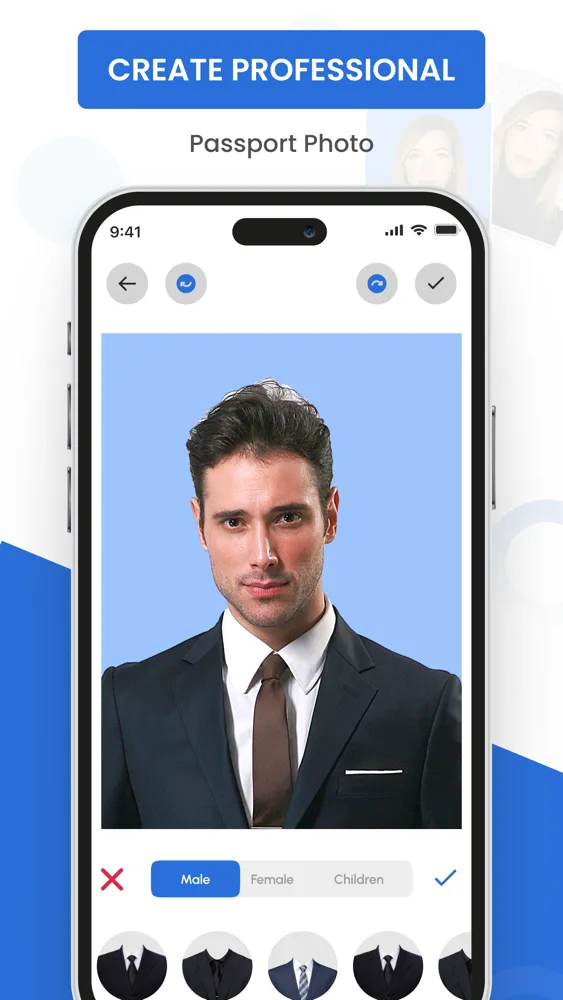
An on-screen guide shows where your head and shoulders should sit, so the proportions come out right the first time.
Background replacement
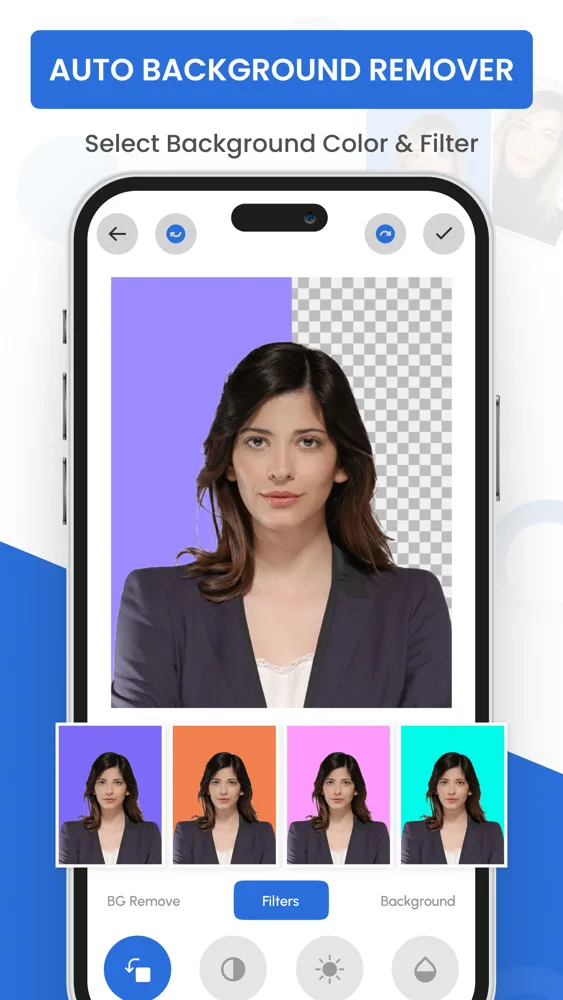
Cut out a busy background and drop in the plain, even colour that most ID photos ask for.
Attire options
Try formal clothing overlays if you photographed yourself in something casual.
Photo adjustments
Brightness, contrast and rotation controls to fix a photo that came out slightly dark or crooked.
Printable sheets
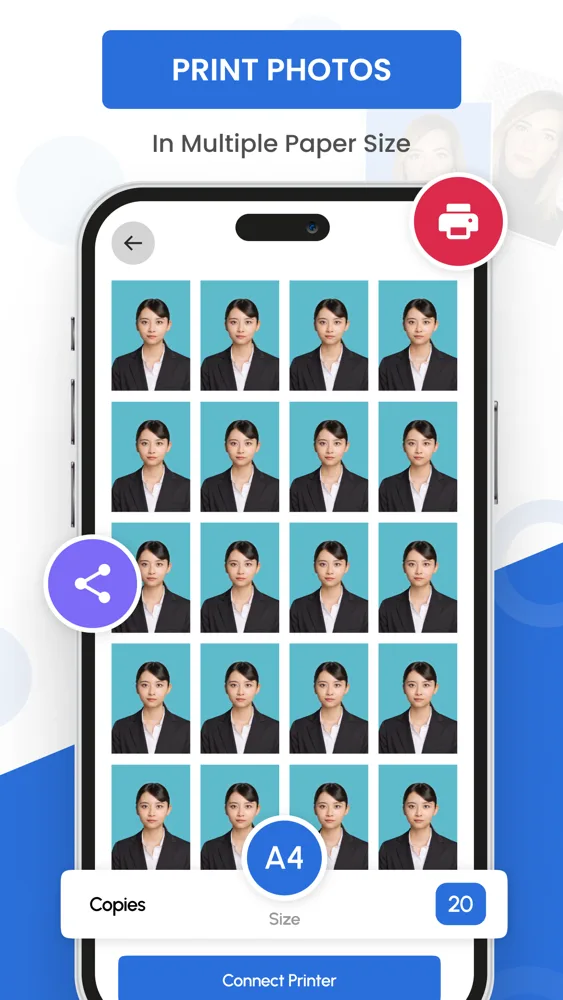
Lay multiple copies out on a standard paper size, set how many you want, and send it to a printer or save it.
Save and share
Export the finished photo to your camera roll or hand it to another app to email it to a print shop.
How it works
Getting started
- 1
Choose the document
Start by telling the app what the photo is for. The required dimensions come from that choice.
- 2
Add your photo
Take a new picture with the camera or bring in one from your library.
- 3
Crop and clean up
Position your face inside the guide, then remove or recolour the background and adjust exposure if you need to.
- 4
Save or print
Export a single image, or build a multi-copy sheet sized for the paper you're printing on.
Privacy
How this app handles your data
The short version. The full policy has the detail, including every third-party service the app uses.
Your photos are edited on your device and are not uploaded to PixelNest servers for this functionality.
PixelNest does not operate an account system for this app and does not store your pictures.
The app includes analytics, advertising and subscription SDKs that process technical and device information — these are separate from your photos and are listed in the Privacy Policy.
FAQ
Questions about Passport Photo ID Maker
Can I make a passport photo on my iPhone without going to a studio?
Yes. You take or import a photo, crop it to the document format you need, and export it. Whether the result is accepted still depends on the issuing authority's rules — check their current guidance on things like expression, glasses and head covering before you submit.
Are my photos uploaded to PixelNest?
No. The app's photo editing works on your device, and PixelNest does not run a server that stores your pictures. Separately from your photos, the app includes analytics, advertising and subscription components that handle technical and device information — those are described in the app's Privacy Policy.
Can I save the finished photo to my device?
Yes. You can export to your photo library, or share the image straight to another app such as mail or a printing service.
Can I print several copies on one sheet?
Yes. The print screen tiles your photo across a standard paper size and lets you set the number of copies before printing or saving the sheet.
Does the app need an internet connection?
Editing works without a connection. Ads, analytics and subscription checks need connectivity when they run, so parts of the app may behave differently offline.
Which countries and document types are supported?
The app ships with presets for passports, visas, licences and ID cards across a range of countries. Requirements change, so confirm the current specification with the authority you're applying to.
How do subscriptions work?
The app is free to download and offers an optional paid subscription. Payment is charged to your Apple ID on confirmation, and it renews automatically unless you cancel at least 24 hours before the period ends.
Where do I manage or cancel my subscription?
In your Apple ID account settings under Subscriptions, on your iPhone or iPad. PixelNest cannot cancel an App Store subscription for you.
Something not covered? Get in touch or email help@pixelnest.co.in.
Learn more
Guides related to this app
Passport & ID Photos
How to Print Passport Photos at Home Without Wasting Paper
ReadPassport & ID Photos
Nine Passport Photo Mistakes That Get Applications Rejected
ReadPassport & ID Photos
Passport Photo Size Requirements, Explained
ReadPassport & ID Photos
How to Make a Passport Photo on Your iPhone
Read
Get Passport Photo ID Maker
Create passport, visa and ID photos to the right size on your iPhone, then print them at home.
Free on the App Store · Requires iOS 17.6 or later