
Utilities · iOS
Free · Requires iOS 14.0 or later
Fast & Secure : Sqrl Browser
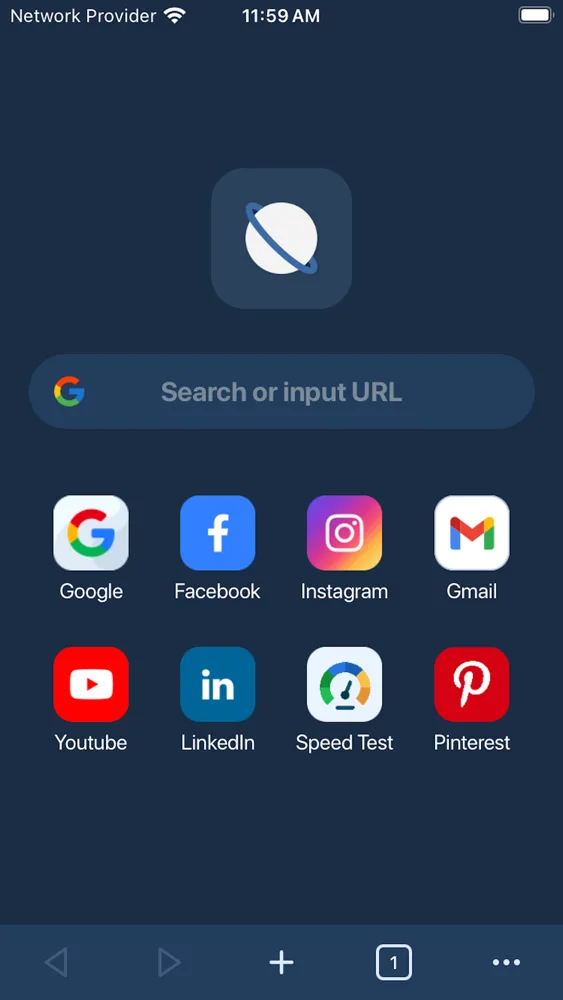
Sqrl Browser is a straightforward mobile web browser: a search bar, a grid of shortcuts, multiple tabs, bookmarks and history you control, and an incognito mode that does not keep browsing history for that session.
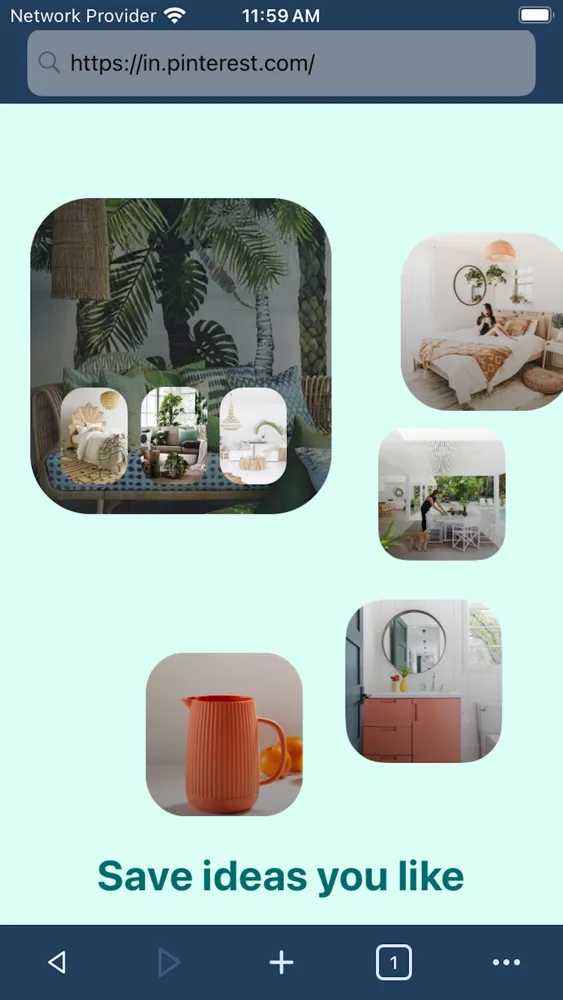
Sqrl Browser covers the everyday basics without much ceremony — open a tab, search or type a URL, and go. It supports several search engines, remembers bookmarks, has an incognito mode for sessions you would rather not keep, and can switch between mobile and desktop versions of a site.
Screenshots
Sqrl Browser on iPhone
Screenshots as published on the App Store.

Features
What it does
Tabbed browsing
Open several pages at once and move between them from the tab counter in the toolbar.
Choose your search engine
Search from the address bar using Google, Yahoo, Bing or another default you set.
Incognito mode
Browse in a session that does not add pages to your browsing history on the device.
Bookmarks and history
Save pages you return to, and review or clear your history yourself.
Quick access shortcuts
A start page with tiles for the sites you open most, so common destinations are one tap away.
Desktop or mobile view
Switch a site to its desktop version when the mobile layout is missing something you need.
Built-in video playback
Plays HTML5 video in the page, with a full-screen view.
How it works
Getting started
- 1
Search or enter a URL
Type into the bar at the top to search with your chosen engine, or go straight to an address.
- 2
Open tabs as you go
Keep several pages open at once and switch between them from the toolbar.
- 3
Save what you want to keep
Bookmark pages you return to. Use incognito mode for a session you would rather not record.
- 4
Clear your history when you like
History and bookmarks live on your device, and you can review or clear them from the browser's own settings.
Privacy
How this app handles your data
The short version. The full policy has the detail, including every third-party service the app uses.
Bookmarks and browsing history are stored on your device, not on a PixelNest server. There is no account and no sync.
Websites you visit are operated by third parties. They can collect information under their own privacy policies — the browser does not prevent that and PixelNest does not control it.
The app includes analytics, advertising and subscription SDKs that process technical and device information. Those are separate from the pages you browse.
FAQ
Questions about Sqrl Browser
Does Sqrl Browser make my browsing private?
It gives you control over what the browser itself keeps on your device — incognito sessions are not added to your history, and you can clear history and bookmarks whenever you want. It does not make you anonymous on the internet. The websites you visit, your network, and your internet provider can still see traffic according to their own practices.
What's the difference between the browser and the websites I visit?
This is the important distinction. The browser is the app that fetches and displays pages. The websites are run by other companies. Each site you open can set cookies, run its own analytics and collect information under its own privacy policy — none of which PixelNest controls or can switch off for you.
Does incognito mode hide me from websites?
No. Incognito affects what the browser stores locally for that session. A site you log in to still knows who you are, and a site's trackers still operate. It is about your device's records, not about invisibility online.
Can I change the default search engine?
Yes. Google, Yahoo and Bing are among the options, and your searches are then handled by whichever engine you pick, under that company's own privacy policy.
Does the browser block ads or trackers?
The App Store listing does not describe ad or tracker blocking, so you should not assume pages will be filtered. Sites will generally load with their advertising and analytics intact.
Where are my bookmarks and history stored?
On your device. There is no PixelNest account and no sync service, so they do not follow you to another phone — and they are gone if you delete the app.
Is browsing through this app encrypted?
Connections to sites that use HTTPS are encrypted between your device and that site, the same as in any browser. That is a property of the site's own configuration, not something the app adds.
Does the app need permissions?
It requires network access to load pages. Individual sites may separately ask for things like location or camera access, and iOS will prompt you before granting any of that.
Something not covered? Get in touch or email help@pixelnest.co.in.
Learn more
Guides related to this app
Get Sqrl Browser
A lightweight iPhone browser with tabs, quick search, bookmarks and an incognito mode.
Free on the App Store · Requires iOS 14.0 or later