Productivity · iOS
Free · Requires iOS 15.6 or later
Safe· Hacker Protection System
Safe Hacker Protection System keeps sensitive things in one place on your iPhone: a photo vault, a password and card store, secure notes, and an on-device backup of your address book. The vault is unlocked with a PIN or Face ID and its contents stay on your device.
Most vault apps want you to sign in and sync. This one is built the other way round: your photos, credentials and notes live in local storage on your iPhone, protected behind a PIN, password or biometric unlock, and the app does not sync them to a PixelNest account or a cloud drive.
Screenshots
Safe Hacker Protection System on iPhone
Screenshots as published on the App Store.
Features
What it does
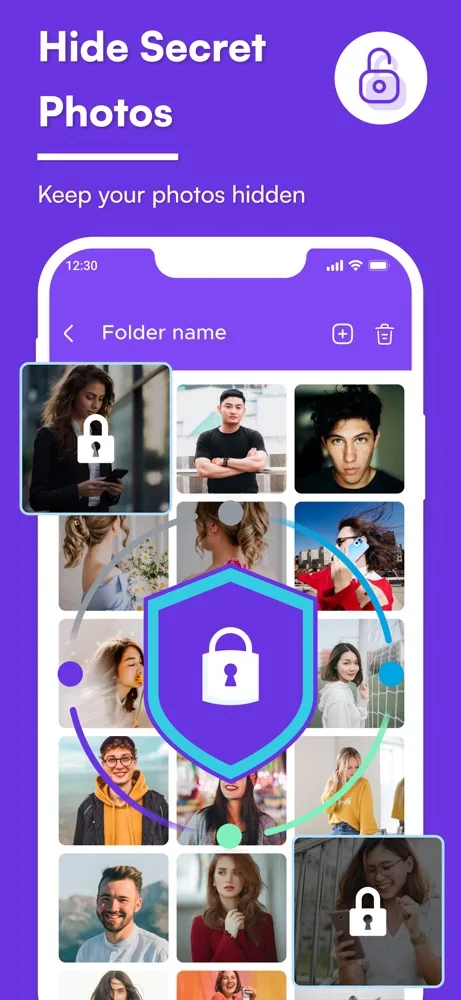
Photo vault
Move private photos and videos out of your camera roll and into a folder that only opens after you unlock the app.
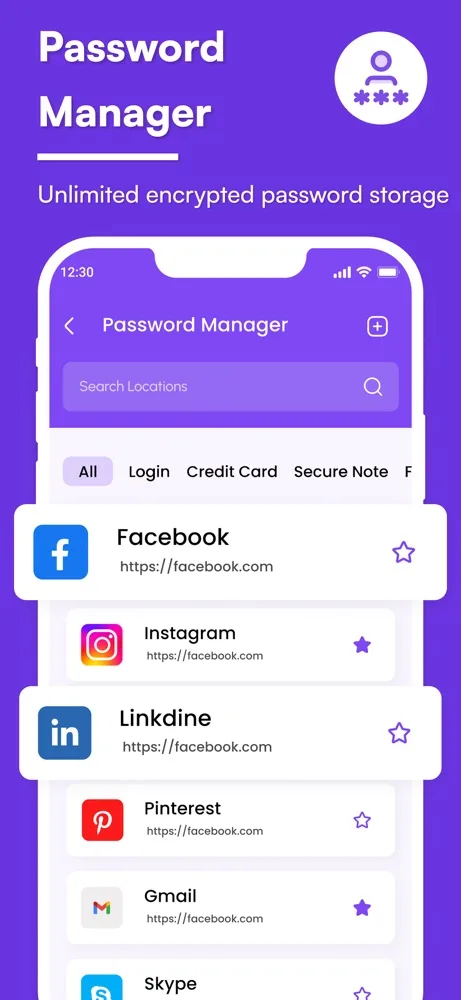
Password store
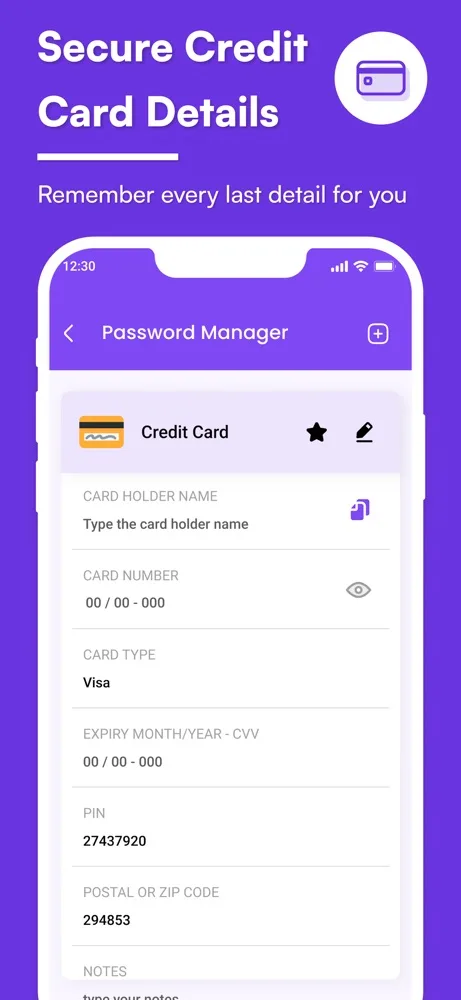
Keep logins, card details and secure notes in one list, organised by type and searchable.
Secure notes
Write down the things you would rather not leave in a plain notes app.
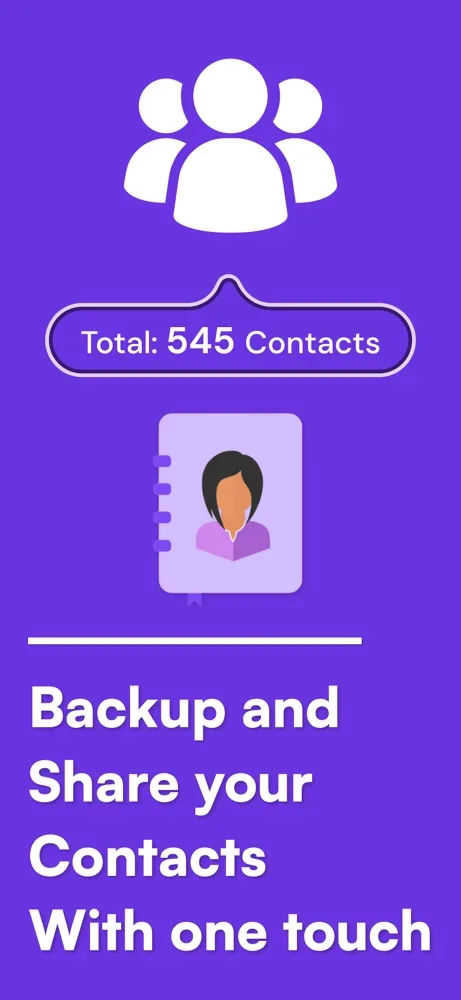
Contacts backup
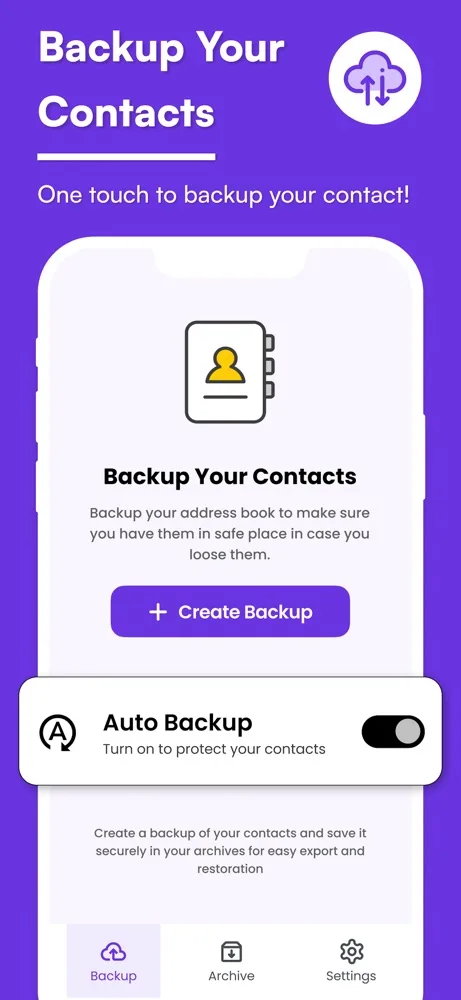
Save a snapshot of your address book to local storage, with an optional automatic backup, and restore or export it later.
Biometric unlock
Open the vault with Face ID or Touch ID, or fall back to a PIN or password.
Works without a connection
The vault and backups do not need the internet to function — there is no account to sign in to and no sync step.
How it works
Getting started
- 1
Set your unlock method
Choose a PIN or password on first launch, and turn on Face ID or Touch ID if you want to skip typing it.
- 2
Move things into the vault
Import photos and videos, add logins and cards, or write a secure note.
- 3
Back up your contacts
Create a snapshot of your address book. It is written to local storage on your device, not to iCloud.
- 4
Restore or export when you need to
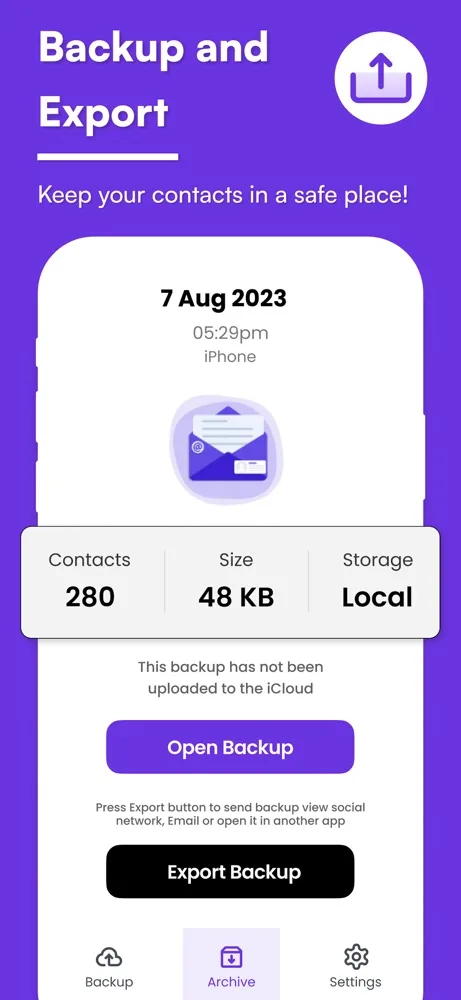
Open a saved backup to restore contacts, or export it deliberately to share it elsewhere.
Privacy
How this app handles your data
The short version. The full policy has the detail, including every third-party service the app uses.
Vault photos, passwords, notes and contact backups are stored on your device and are not uploaded to PixelNest servers.
There is no PixelNest account, no cloud sync, and no password recovery — because we hold nothing to recover from.
The app does include analytics, advertising and subscription SDKs that process technical and device information. That is a separate category from your vault contents, and it is listed in full in the Privacy Policy.
FAQ
Questions about Safe Hacker Protection System
Are my vault photos uploaded anywhere?
No. Photos, passwords, notes and contact backups are held in local storage on your device. PixelNest does not operate a server that receives them and there is no account to sync them to.
So the app collects no data at all?
Not quite, and it's worth being precise. Your vault contents are never sent to us. But the app does include analytics, advertising and subscription components that handle technical and device information — things like crash reports and advertising identifiers. Those are separate from your vault and are itemised in the Privacy Policy.
What happens if I delete the app or lose my phone?
Because nothing is synced to a server, deleting the app or losing the device means the vault contents go with it. Export anything you cannot afford to lose before you remove the app or switch phones.
Can PixelNest recover my PIN if I forget it?
No. The unlock method is set and checked on your device, and we have no copy of it. There is no reset link we can send you.
Does the contacts backup go to iCloud?
No. The backup is written to local storage on the device — the app shows this explicitly on the backup screen. If you want a copy somewhere else, use the export button to send it deliberately.
Do photos stay in my camera roll after I add them to the vault?
You choose. The app can import a copy, and it is up to you whether to then delete the original from your photo library. Check the vault contains what you expect before deleting anything.
Does the app need an internet connection?
The vault, the password store and the contacts backup all work offline. Advertising, analytics and subscription checks require connectivity when they run.
How do subscriptions work?
The app is free to download with an optional paid subscription. Payment is charged to your Apple ID, renewal is automatic unless cancelled at least 24 hours before the period ends, and you manage it in your App Store account settings.
Something not covered? Get in touch or email help@pixelnest.co.in.
Learn more
Guides related to this app
Get Safe Hacker Protection System
A private vault for photos, passwords and notes, plus a local backup of your contacts.
Free on the App Store · Requires iOS 15.6 or later